
OnlyText
A quiet reader for TXT, EPUB and more
Your text files.Nothing else.
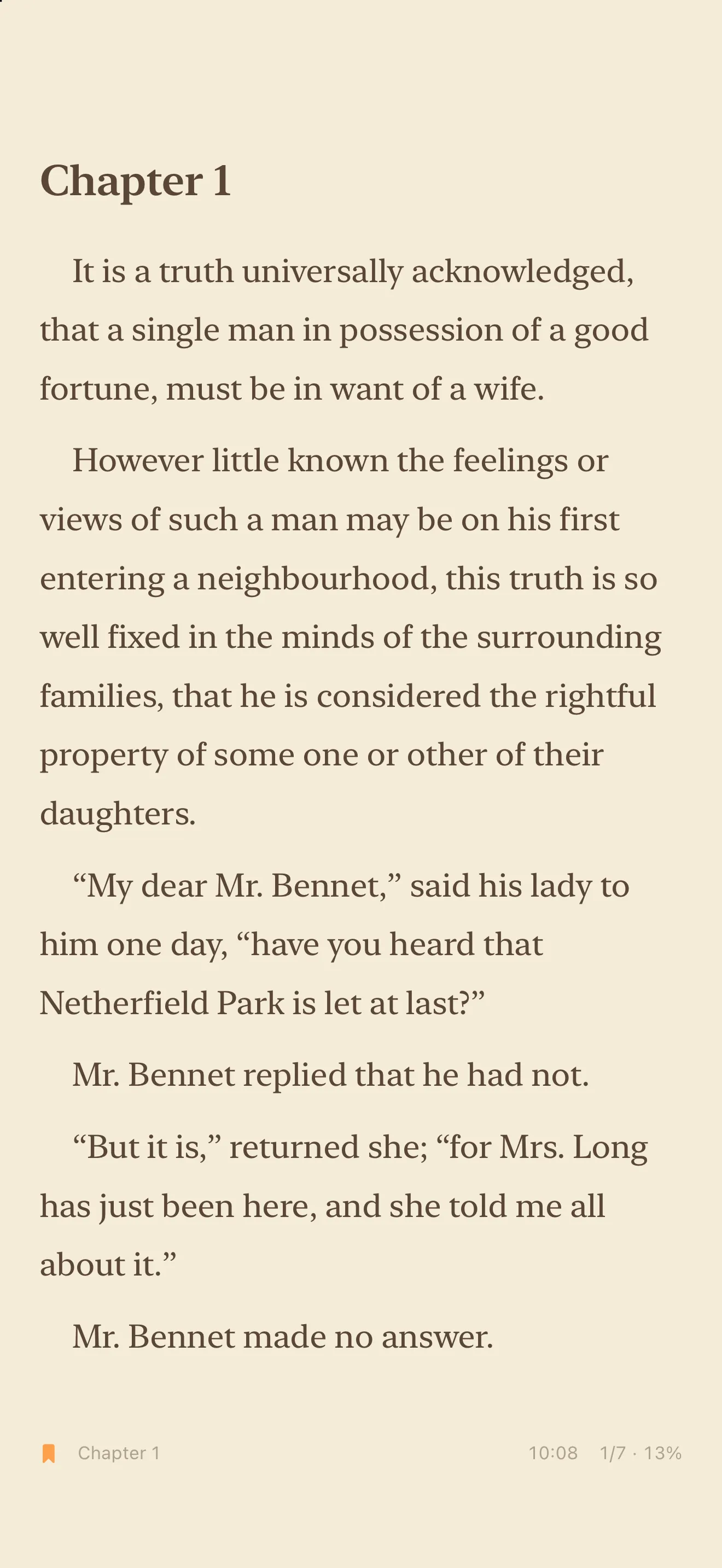
OnlyText reads the text, EPUB, PDF and other book files you bring to it, on iPhone and iPad. No ads, no subscription.
Free download · 14-day free trial · Then a one-time purchase
iOS and iPadOS 18 or later · Apple Watch app: watchOS 11 or later
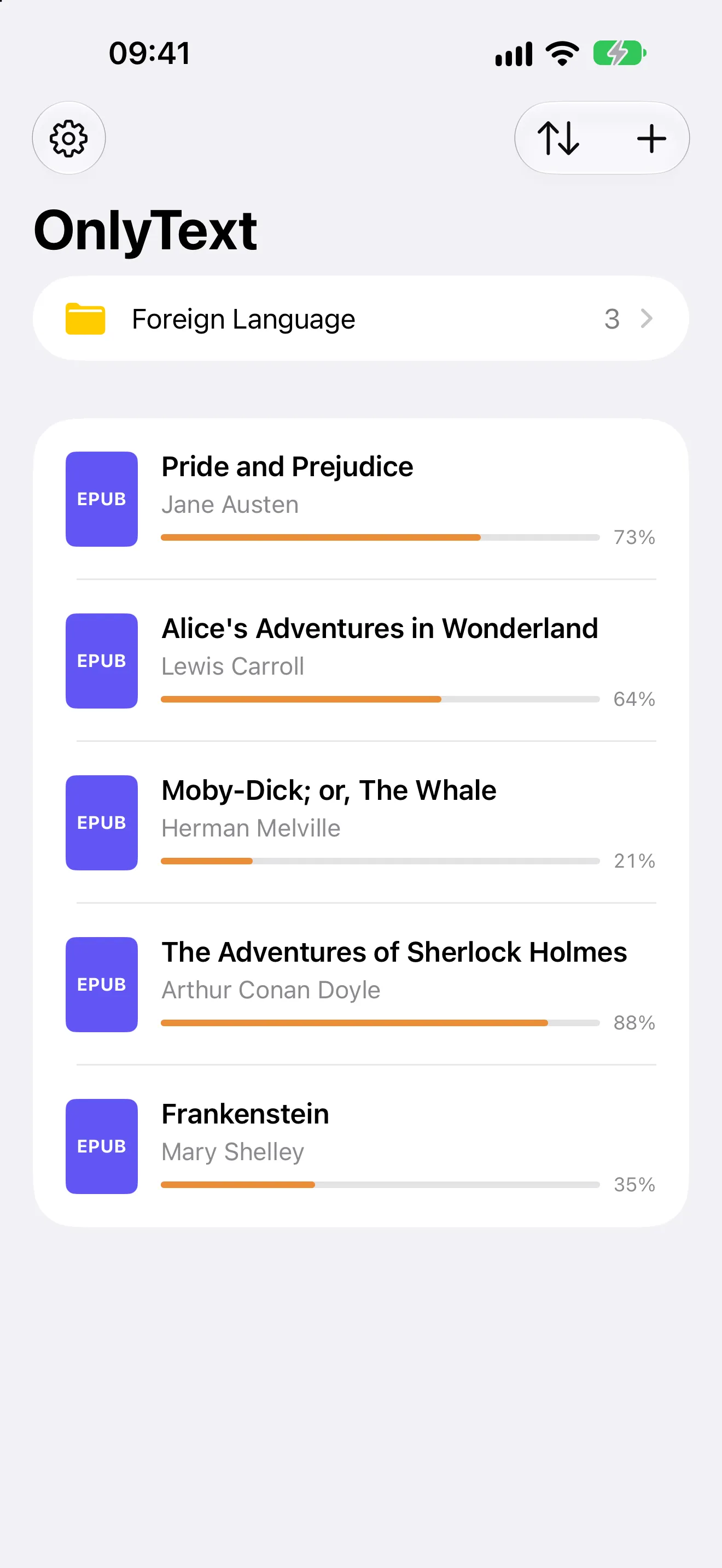
Read your files as they are.
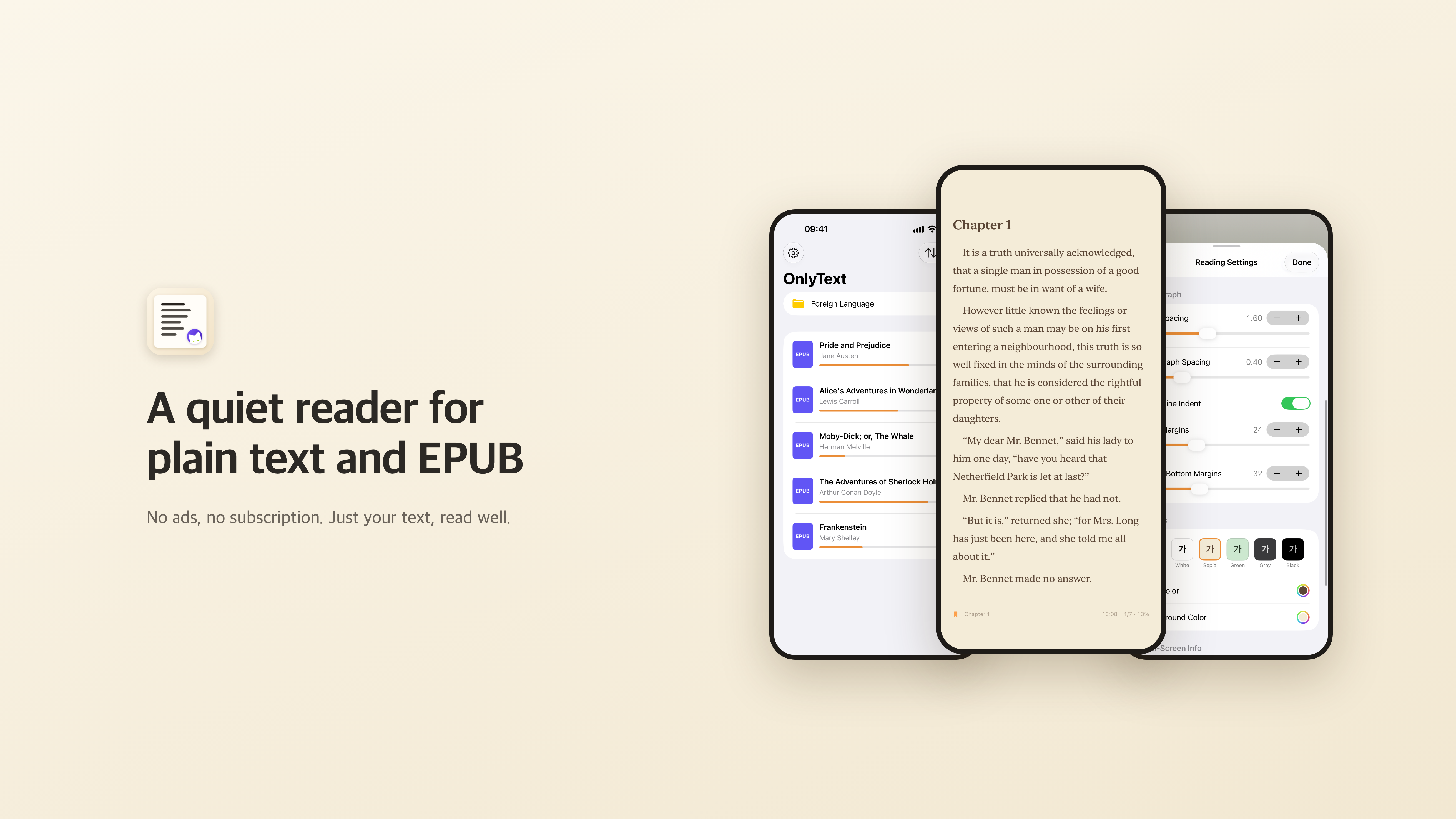
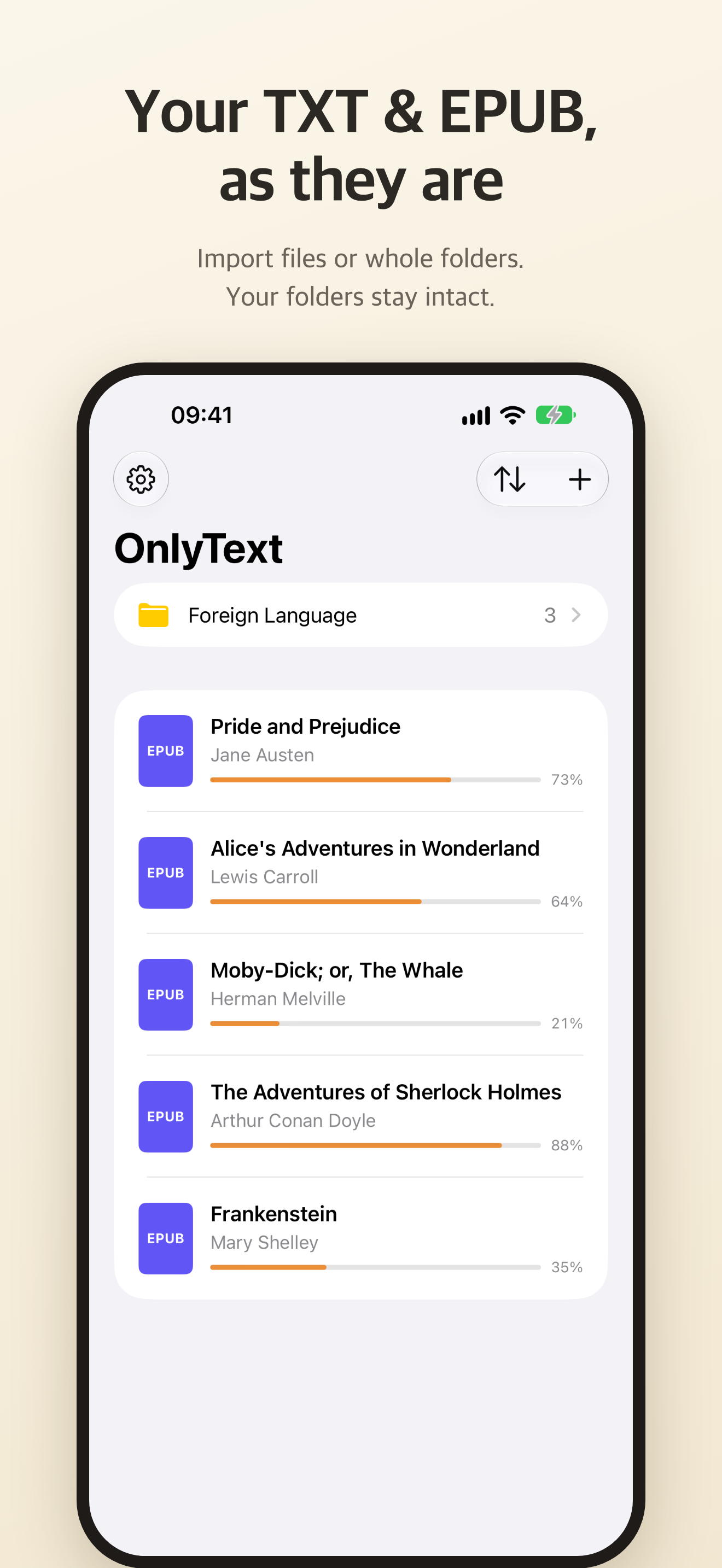
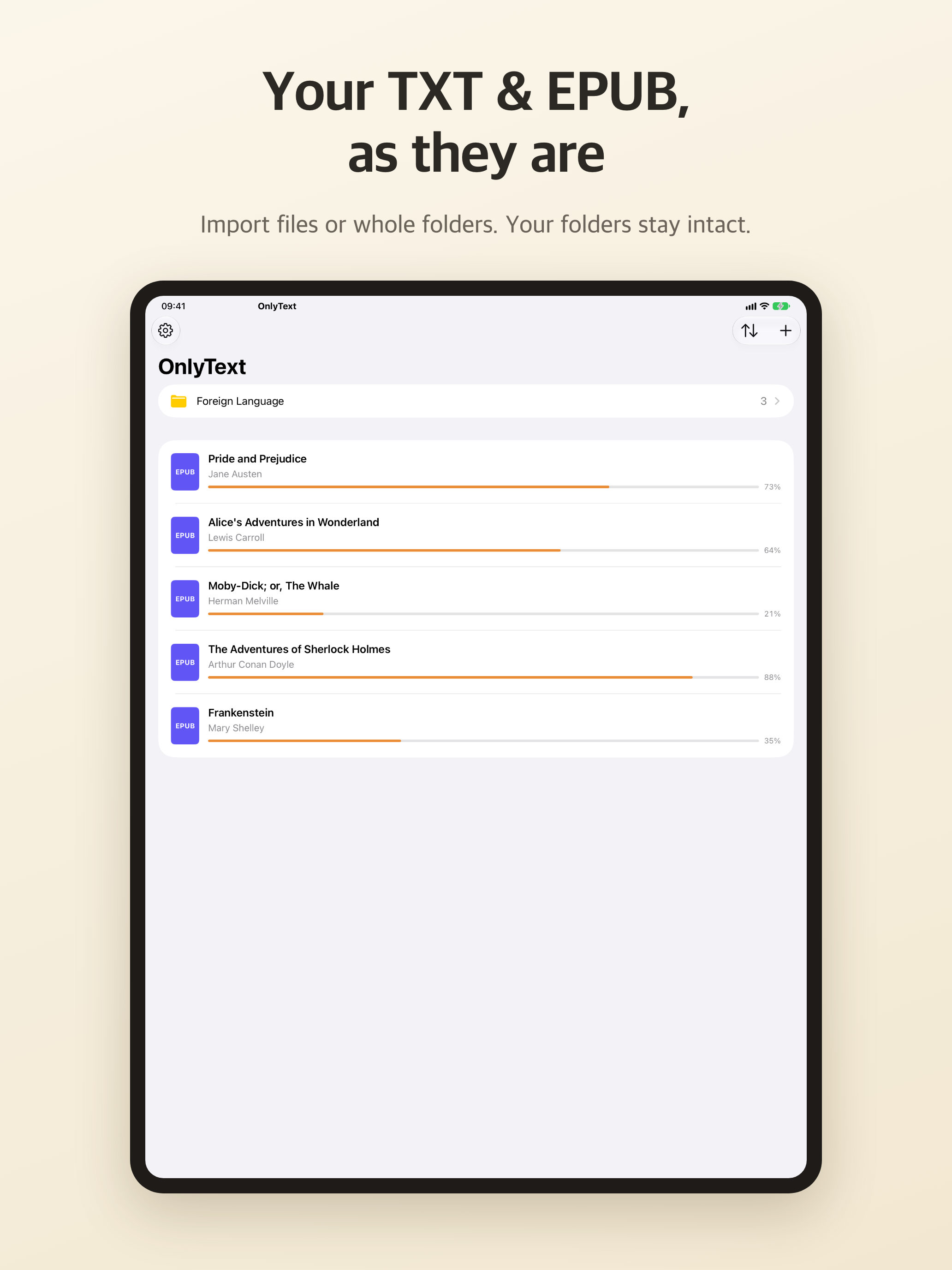
Import TXT, EPUB, MOBI, AZW3, FB2, PDF, DOCX, ODT, RTF and HTML files, or whole folders, from the Files app. You can also drop them into On My iPhone › OnlyText, and they appear in your library.
- Your folder structure is kept.
- Sort the library by recent, name or date created.
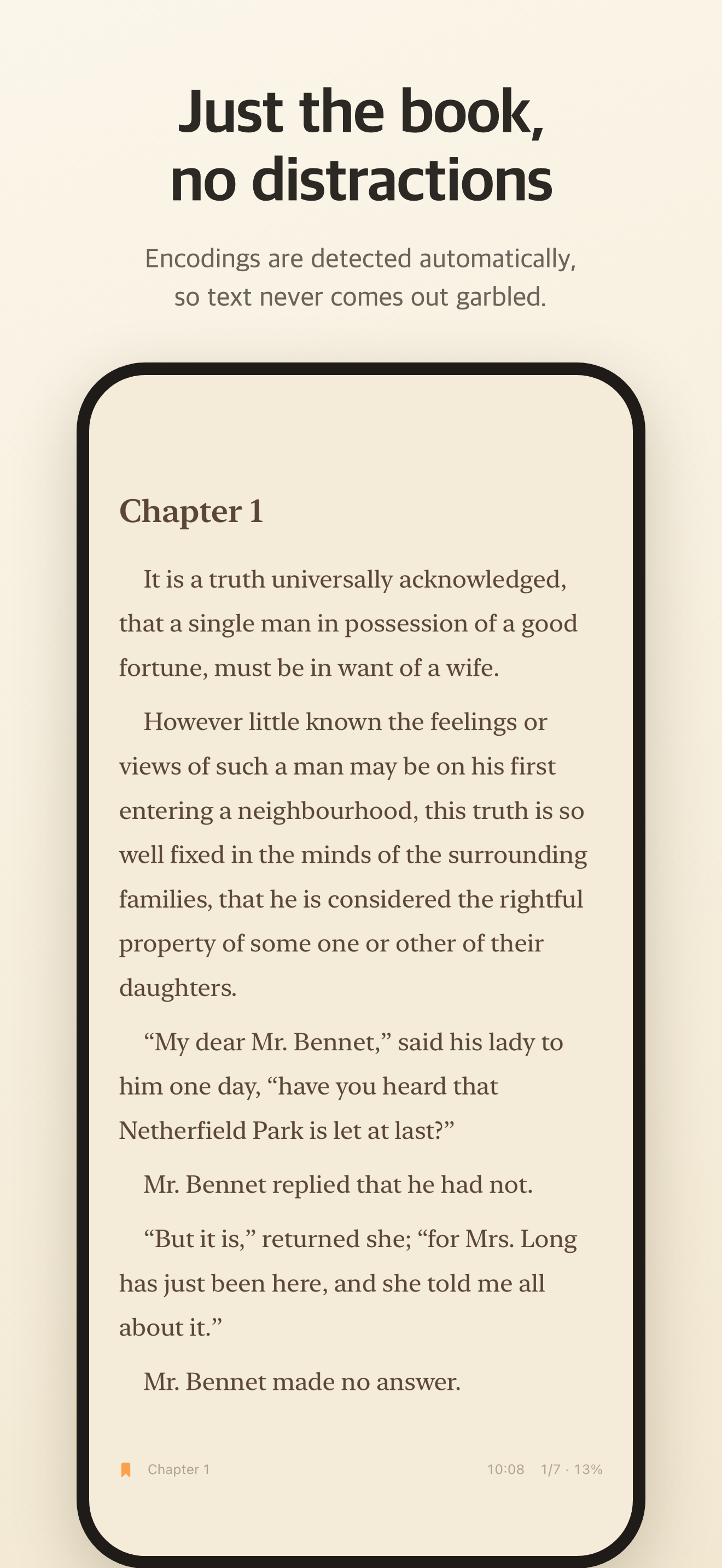
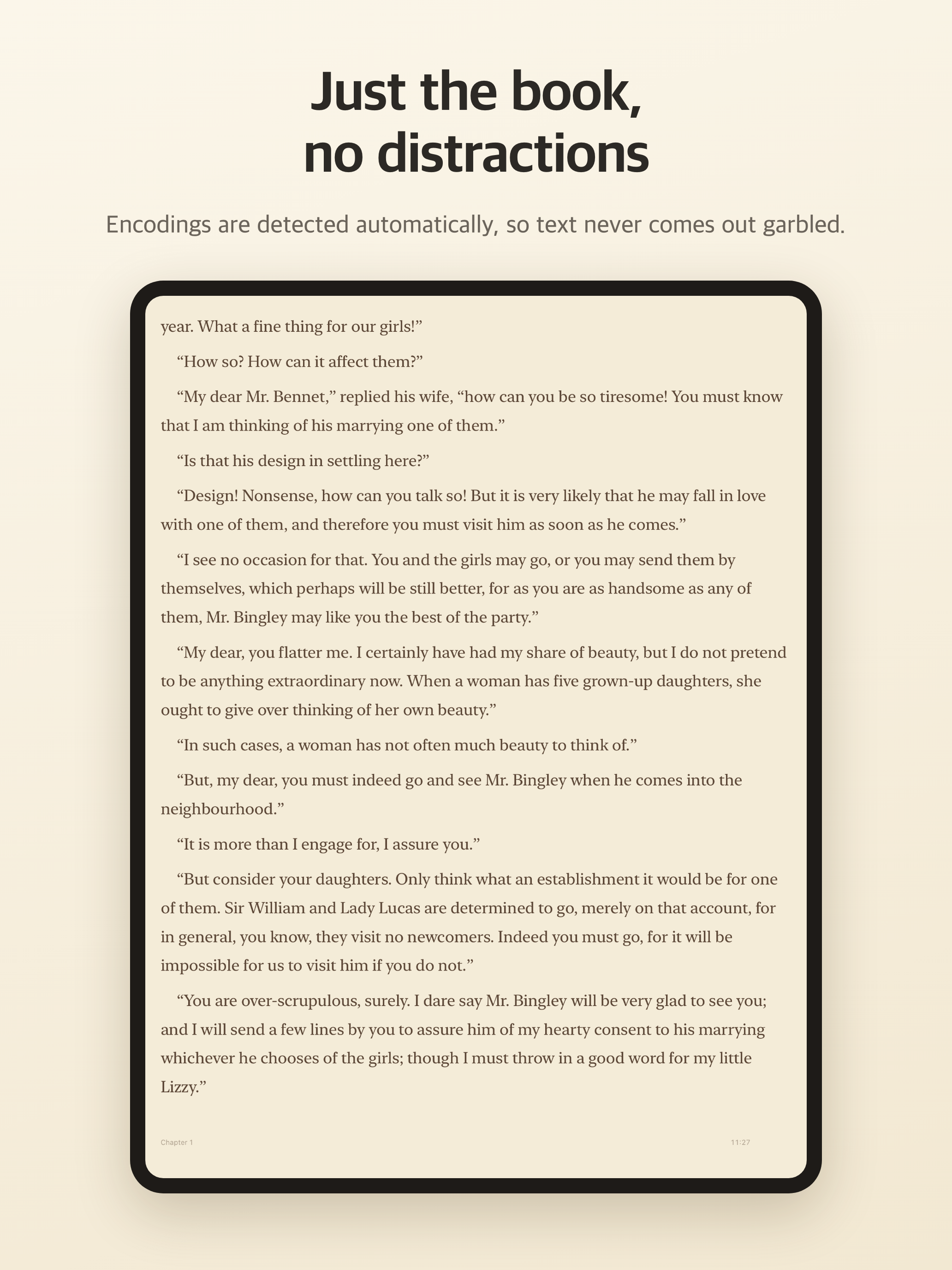
- Encodings are detected automatically: UTF-8, EUC-KR/CP949, Shift_JIS, EUC-JP, GB18030, Big5, UTF-16 and Windows-1252.
- If the text still looks wrong, switch the encoding, or convert the file to UTF-8 and save it.
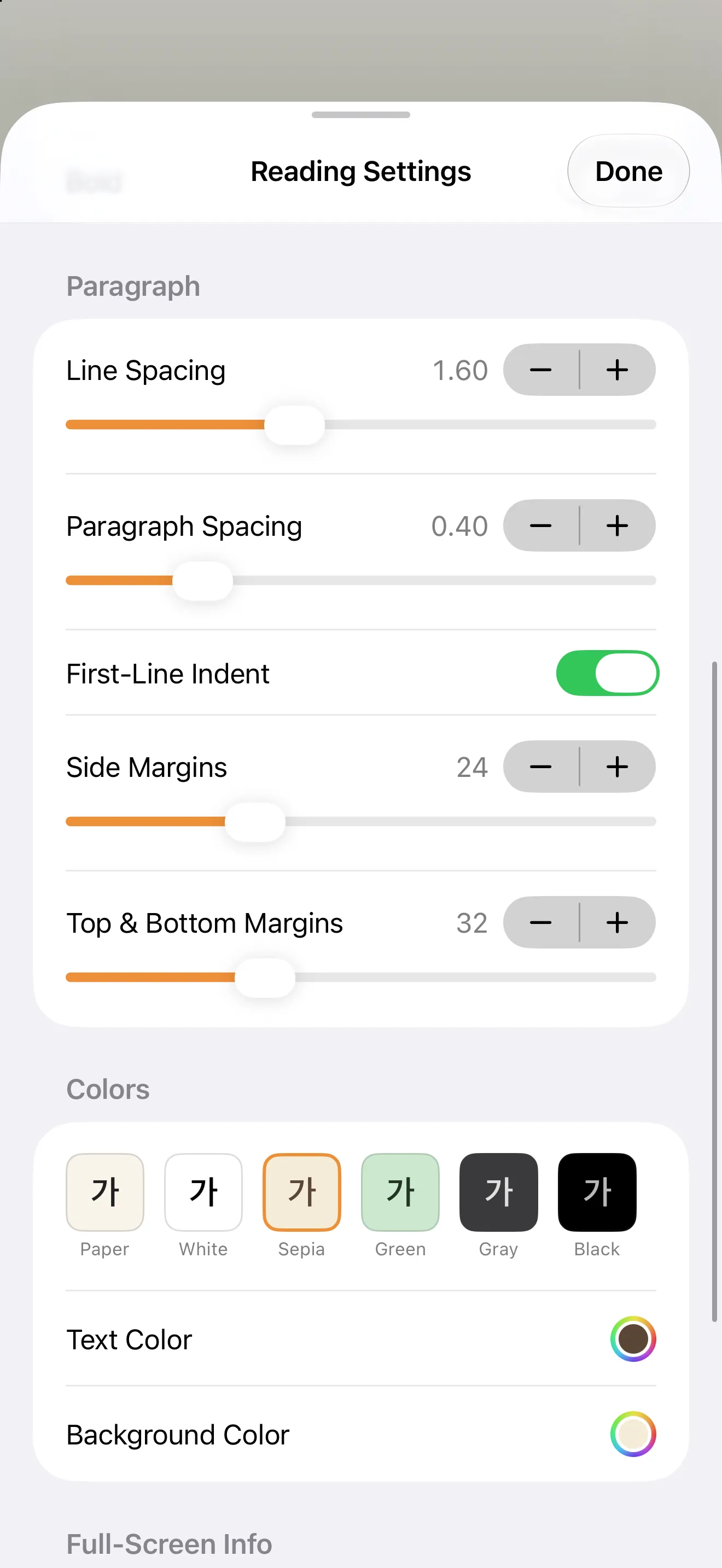
Set the page the way you read.
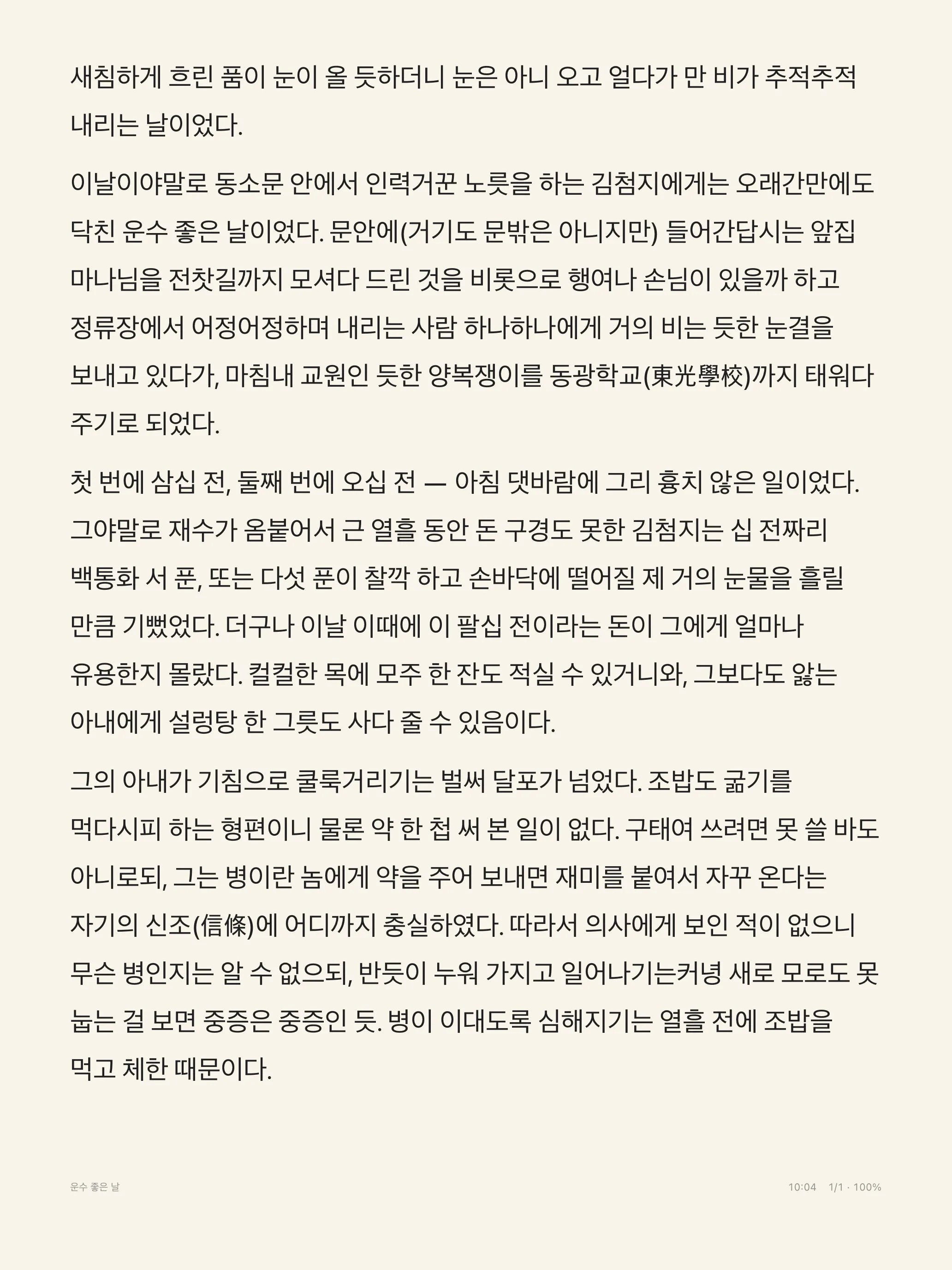
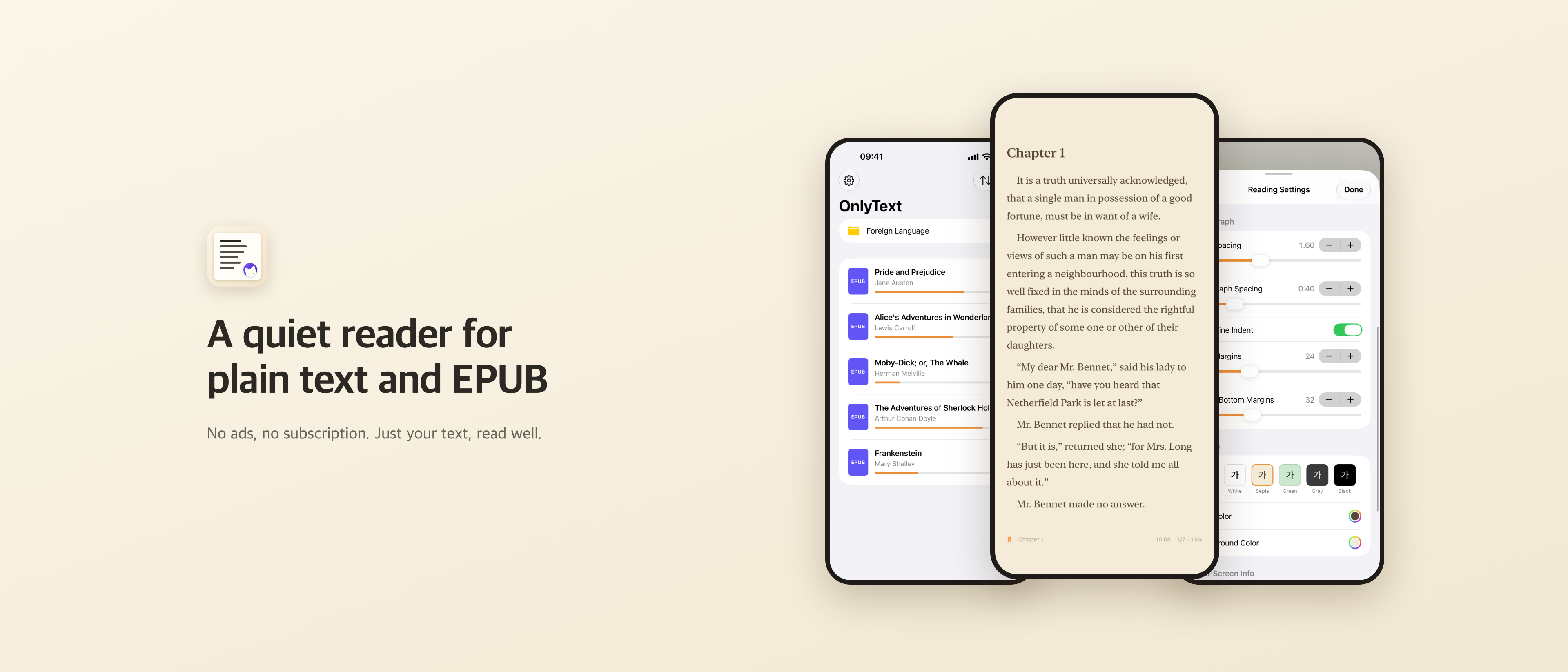
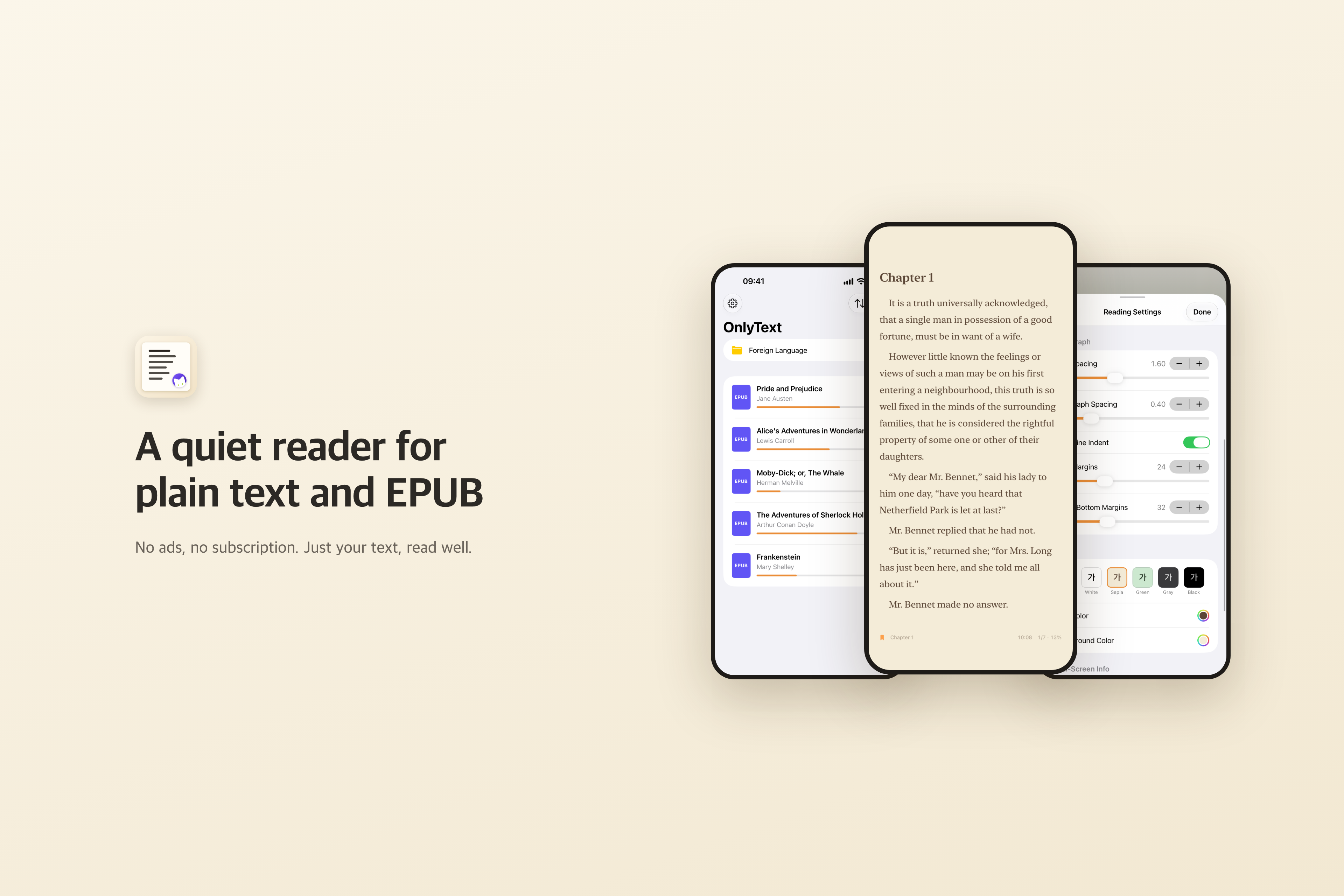
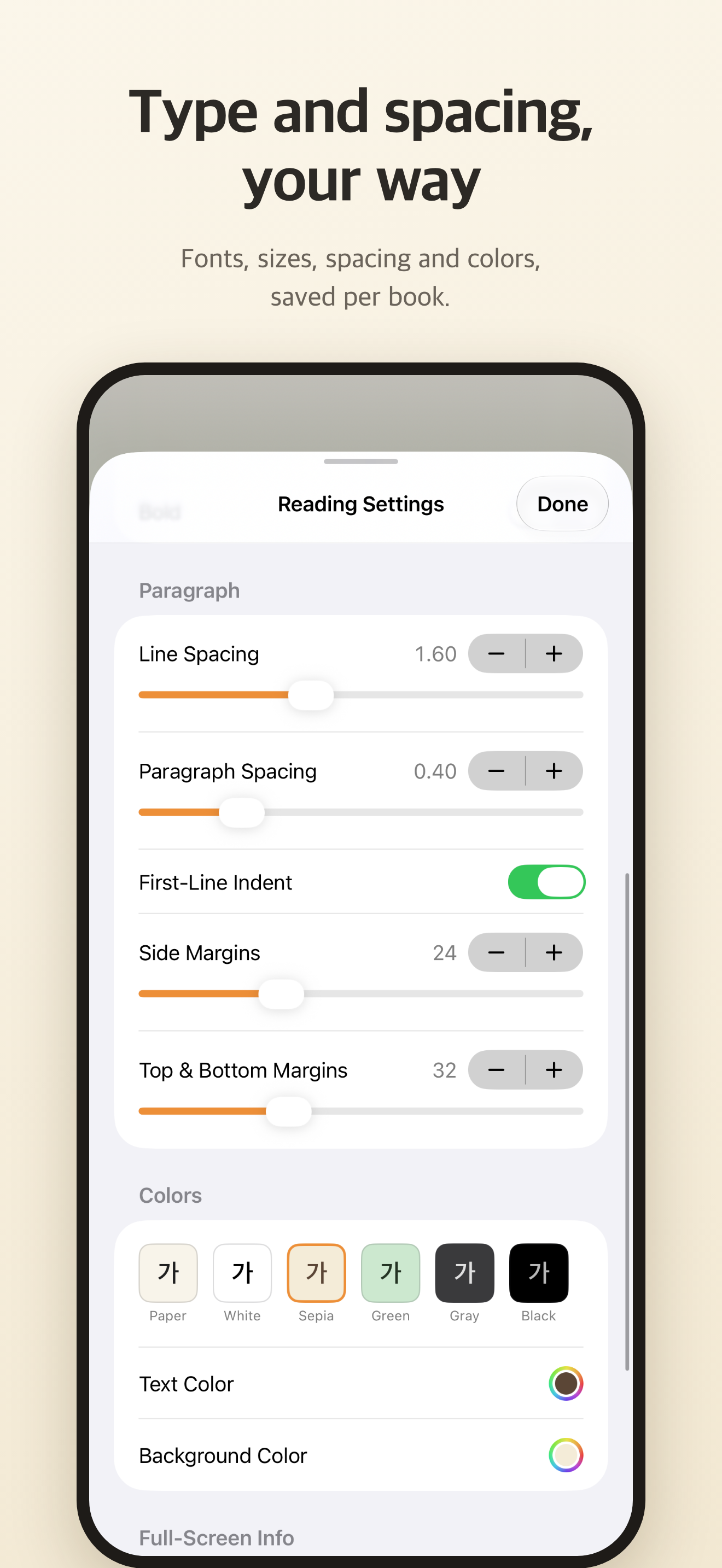
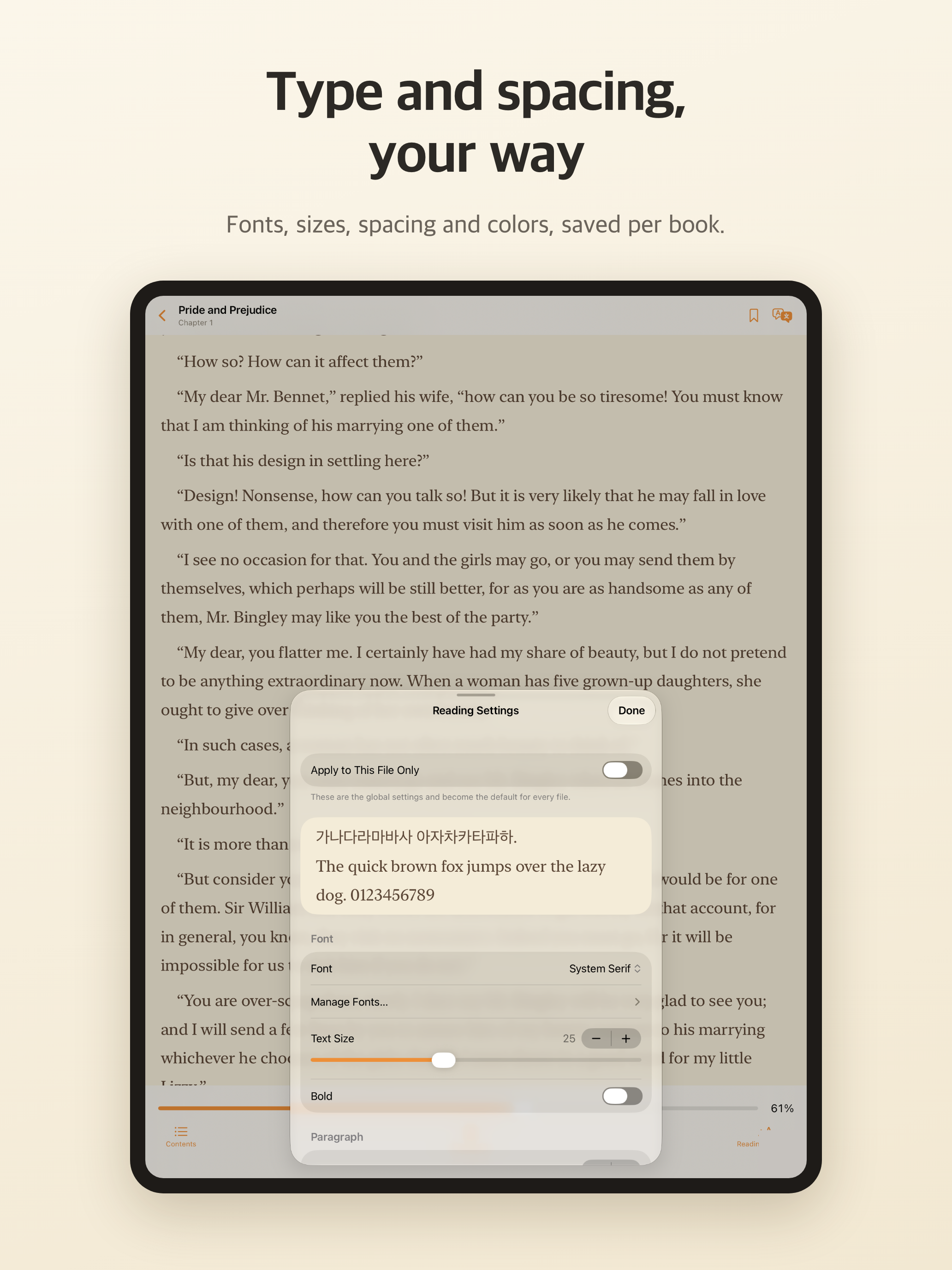
Change the font, size, line and paragraph spacing, and margins. Use the same settings for every book, or give one book its own.
- Six color themes: Paper, White, Sepia, Green, Gray and Black.
- Use fonts installed on your device, or fonts you pick from the Files app.
- Turn pages by tapping or swiping, with a keyboard, or with the volume buttons. Choose your own tap zones.
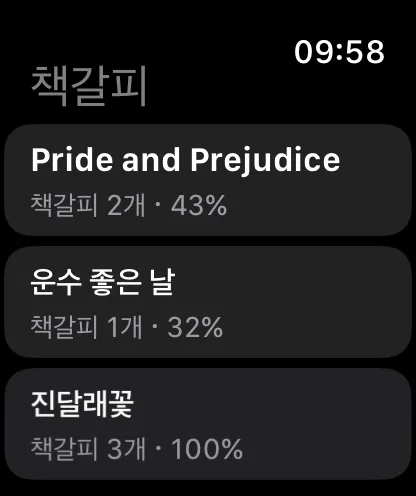
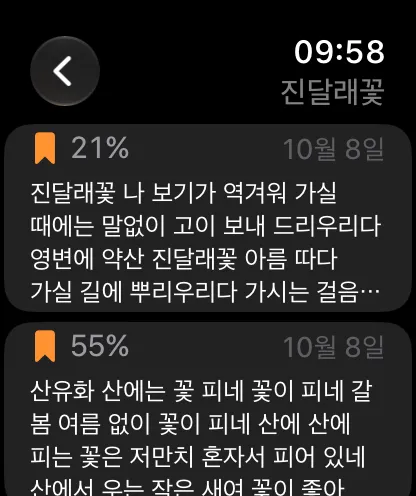
Turn pages and see bookmarks on your wrist.
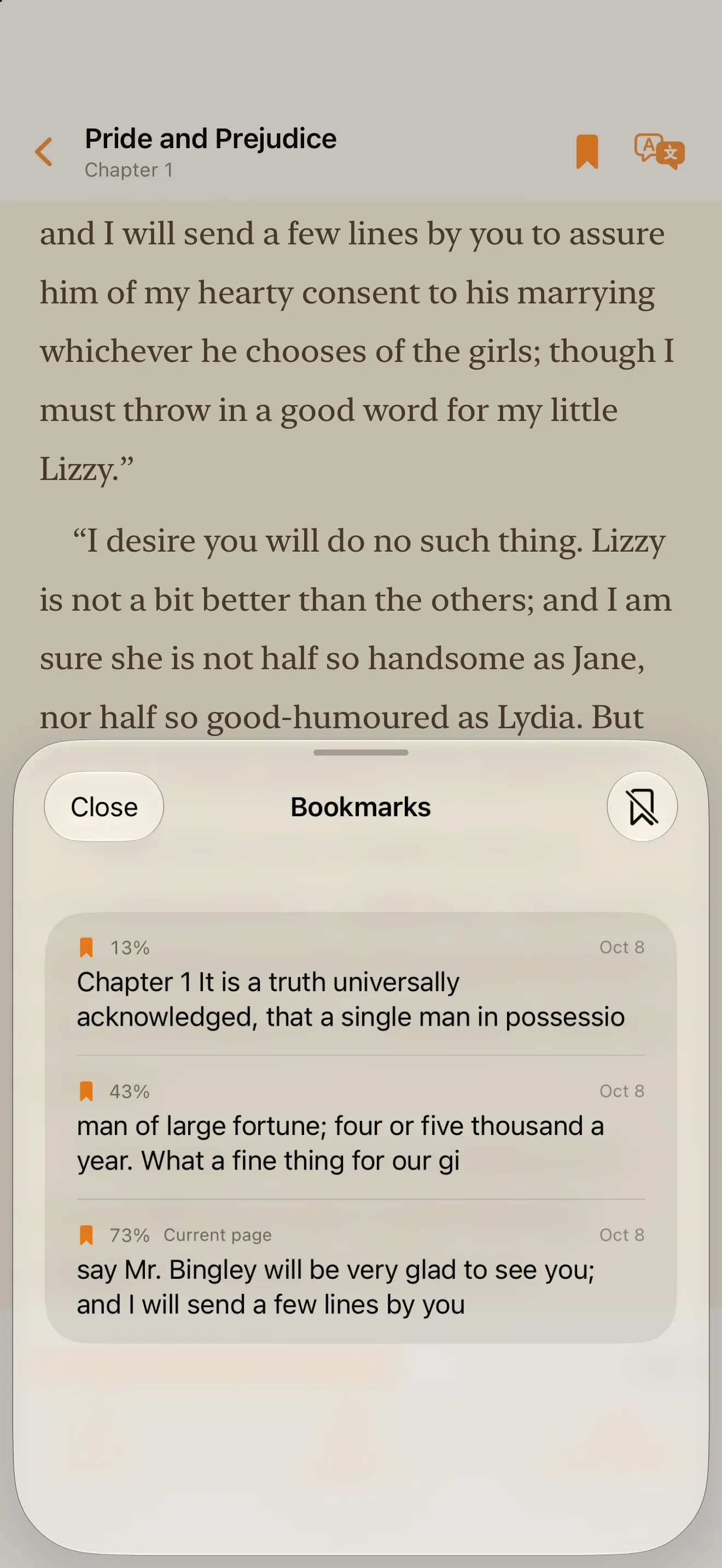
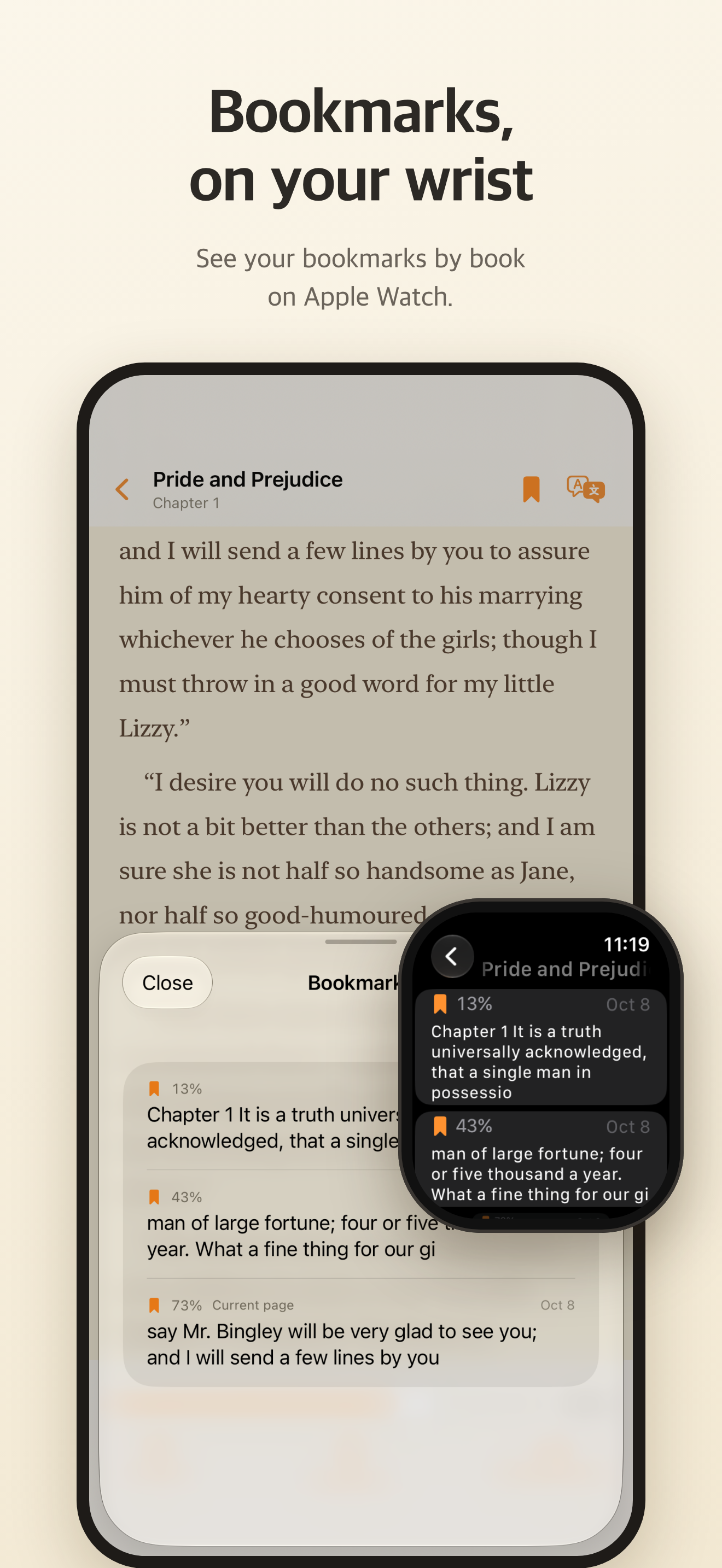
Save the page you’re on. A bookmark keeps its place even after you change the font or text size.
- Use Apple Watch as a remote: tap the screen or use Double Tap (Series 9, Ultra 2 and later) for the next page, turn the Digital Crown to go forward or back, or use the button for the previous page. Pages turn even with your iPhone screen off. Double Tap works only with your wrist raised and the screen on, so with your wrist resting, turn the crown or tap the screen. On the Watch’s Help screen, choose how many crown clicks turn one page (4 by default) and the crown sensitivity.
- On the Watch, tap the bookmark button at the top left to see your bookmarks by book, synced from your iPhone, with the start of each bookmarked passage.
Made to stay out of the way.
- 11 languages
- Korean, English, Japanese, Chinese (Simplified and Traditional), French, Italian, Portuguese (Brazil), Spanish, Hindi, Indonesian and Russian.
- No ads, no tracking
- No ads, no analytics. Your books and reading history stay on your device. The developer collects no data.
- Buy once
- Use every feature free for 14 days. To keep opening books after that, buy once. It is not a subscription.
- Labs
- Experimental options live in Settings › Labs and are off by default: paragraph translation beside the original, and turning pages by tapping the back of your iPhone. Translation is still slow and can use a lot of battery.
Before you download
Which devices does it support?
iPhone and iPad with iOS or iPadOS 18 or later. The Apple Watch app needs watchOS 11 or later.
What happens after the free trial?
Every feature is free for 14 days, and the trial never charges you automatically. After it ends, a one-time in-app purchase lets you keep opening books. It is not a subscription. Your library, importing, settings and the Apple Watch app keep working either way. On another device, use Settings › Restore Purchases.
Does my book’s text leave my device?
No. Books, reading positions and bookmarks stay in the app’s storage on your device, and the developer receives none of it. The experimental translation in Labs also runs on your device with Apple’s Translation framework and Apple Intelligence.
Press kit
Feel free to use these in articles and reviews. Click an image to open it at full size.
Bring your own books.
Try OnlyText free for 14 days on your iPhone or iPad.
iOS and iPadOS 18 or later · Apple Watch app: watchOS 11 or later
Questions or bug reports? [email protected]