My Unraid + AOOSTAR WTR Pro Mini Experience: Solving Time Machine Issues
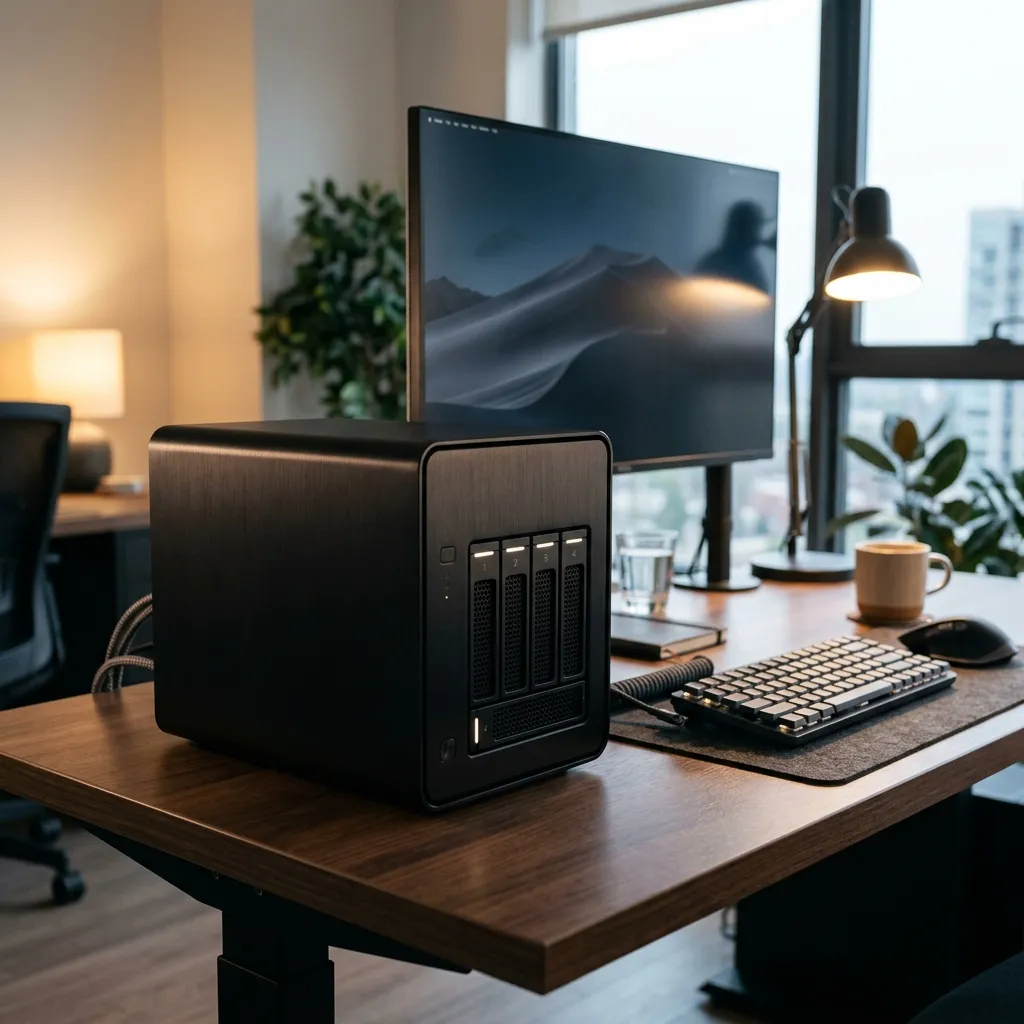 This is an AI-generated image, not my actual environment.
I am currently using Unraid with an AOOSTAR WTR Pro Mini R7-5825U as my primary NAS.
In fact, the development of SyncWatcher was partly triggered by the switch to Unraid. While my previous Synology setup had excellent built-in backup automation, I couldn’t find a similar automated solution for Unraid—so I decided to build my own.
Pros and Cons
The most satisfying part of Unraid is the Parity system. Although you lose the capacity of one disk, the peace of mind knowing you are protected against drive failure is worth it. While Unraid now supports ZFS, I haven’t noticed a significant difference in my daily use yet.
The Time Machine Saga
The biggest frustration was setting up Time Machine backups. I was previously using a small external SSD, but since it was far below Apple’s recommendation (which is twice the size of the internal drive), I ran into constant issues. I tried moving the backup to Unraid, but no matter what I did, it wouldn’t work. I honestly regretted my purchase for a while, thinking I should have gone with Proxmox for its superior VM capabilities.
However, after updating to macOS 26.4.1, the Time Machine backup to Unraid suddenly started working perfectly! I feel bad for doubting Unraid all this time.
Conclusion
While there are moments when I envy Proxmox’s VM-first approach, Unraid’s VM support is sufficient for my needs. Even though there is a recurring license cost, the consistent updates make me feel it’s a worthwhile investment.
If your primary focus is running VMs, go with Proxmox. If you prioritize operational stability and data protection via Parity, Unraid is the way to go.
If you’re considering setting up your own Unraid server, check out the link below: Unraid Pricing & License