The Invasion of Zombie Processes Every Time I Switch Codex Sessions
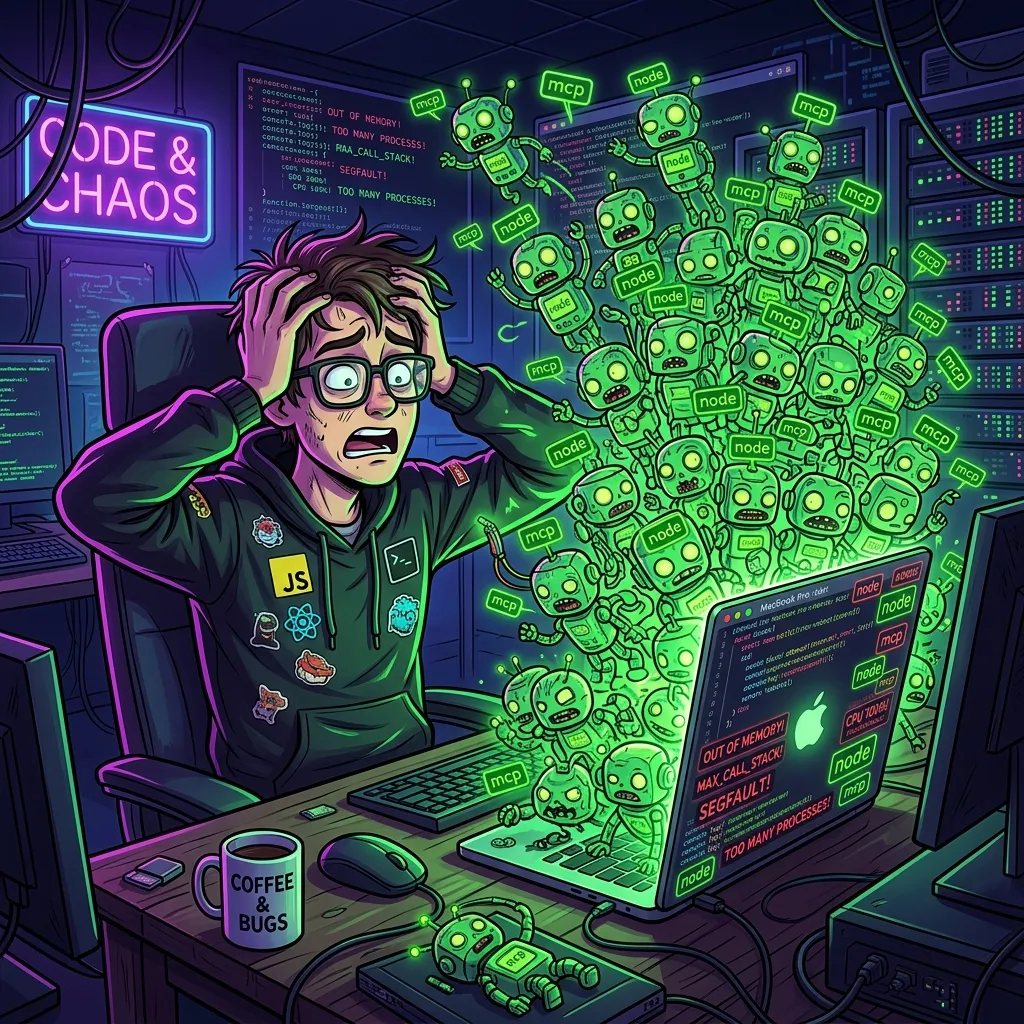
Lately, I’ve been heavily relying on the Codex app, an AI coding agent. It has been a highly reliable partner, helping me edit code, design architecture, and debug across multiple projects and workspaces.
However, while happily working away, there always comes a moment when my MacBook starts screaming. The fans kick in, and the system feels sluggish. When I open the macOS Activity Monitor… a grand parade of zombie processes is waiting for me.
1. The Invasion of Frustrating Zombie Processes
After switching sessions multiple times or running agent loops, ghost processes that refuse to die accumulate exponentially in the background.
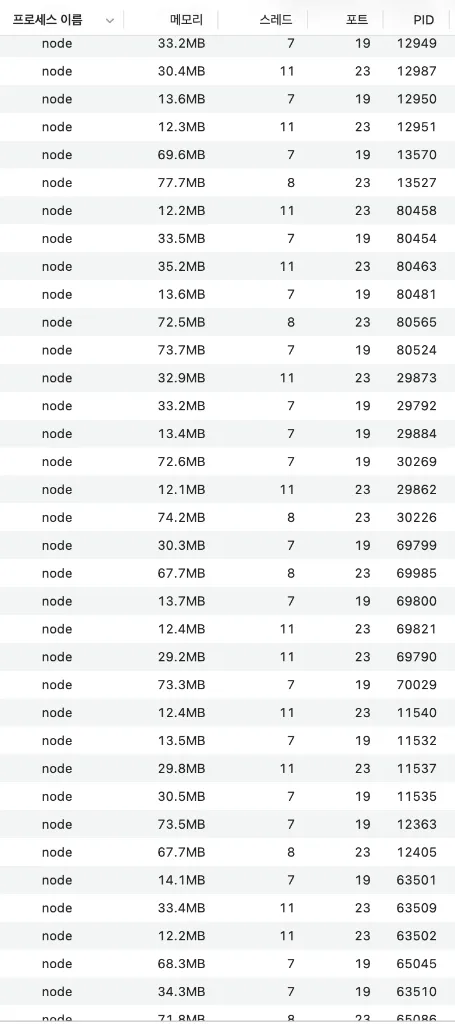
Ever-multiplying node processes
First, we have the classic node processes. They seem to be spawned to run local tools or server environments for each session. Even after a session is closed, they just hang around quietly in the background, refusing to release their grip on memory.
MTLCompilerService eating GPU resources
MTLCompilerService processes are no exception. They seem to multiply alongside Chromium-based UI elements or sandbox rendering environments. The list just keeps going as I scroll down.

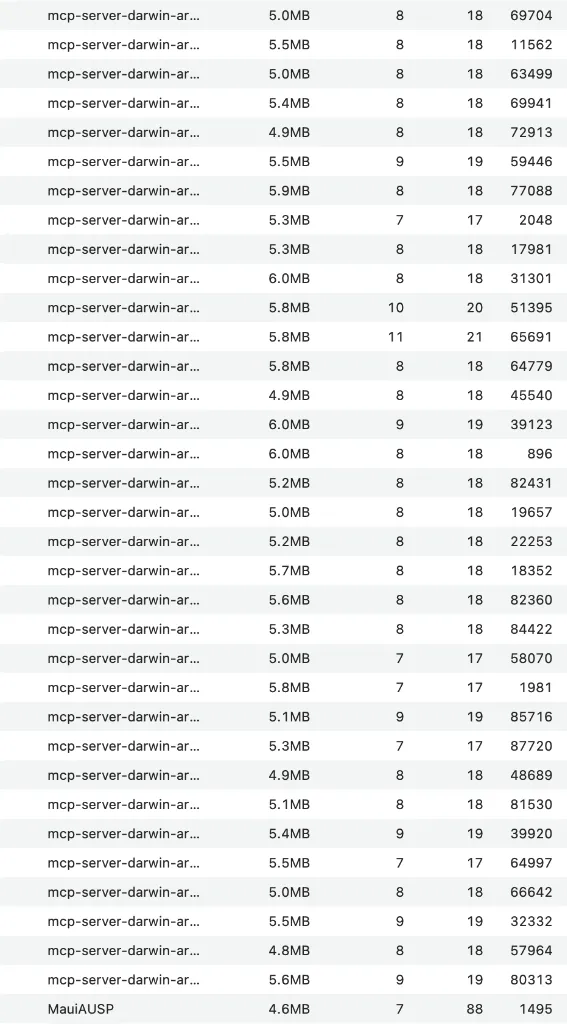
The flood of mcp-server processes
The ultimate culprit is the flood of mcp-server processes. The Model Context Protocol (MCP) servers used by the agents (e.g., for browser automation, filesystem access, artifact building, etc.) do not get cleaned up when a session terminates, leaving them running indefinitely.
2. Why Are They Left Behind?
Normally, an IDE or agent runner should send a SIGTERM or SIGKILL signal to clean up its child processes when a session ends or a workspace is closed.
However, it seems that if the Codex app crashes, or when switching between multiple workspaces, these child processes lose their parent connection and become orphaned. These orphaned processes then silently eat away at the system’s precious resources.
3. Is the Only Option to “Turn It Off and On Again”?
Right now, the most reliable workaround is, sadly, completely quitting and restarting the Codex app. This terminates the parent process and usually cleans up the associated child processes, or at least stops new ones from spawning on top of old ones.
But having to restart the app and break my flow is incredibly frustrating.
As a temporary fix, I can write a shell script to kill only the orphaned MCP servers:
# Kill only mcp-server related processes
pkill -f mcp-server
But when it comes to the generic node processes, running killall node is risky because it might also kill other active local development servers (like Astro or Next.js). In the end, I’m left manually killing them in Activity Monitor or restarting Codex.
Conclusion: Please, Clean Up Your Processes!
As coding agents become more powerful and run more tools, the number of background processes and MCP servers they manage grows. This makes process lifecycle management absolutely critical.
The tool itself is amazing and works incredibly well, but seeing zombie processes pile up every time I switch sessions makes me sigh.
“Please, clean up your processes when a session ends!” Today, looking at my struggling MacBook, I quietly quit Codex and start it up once again.